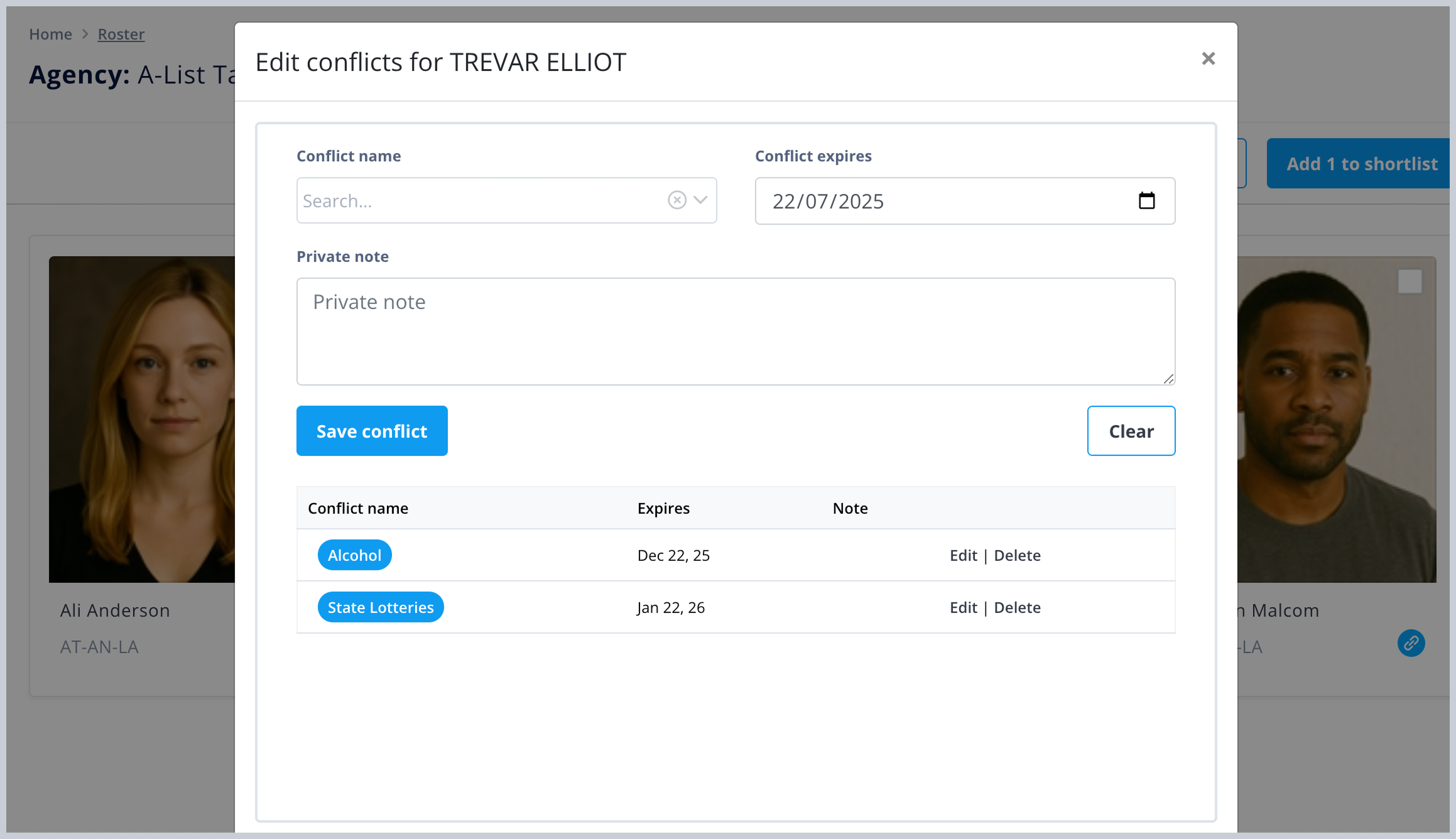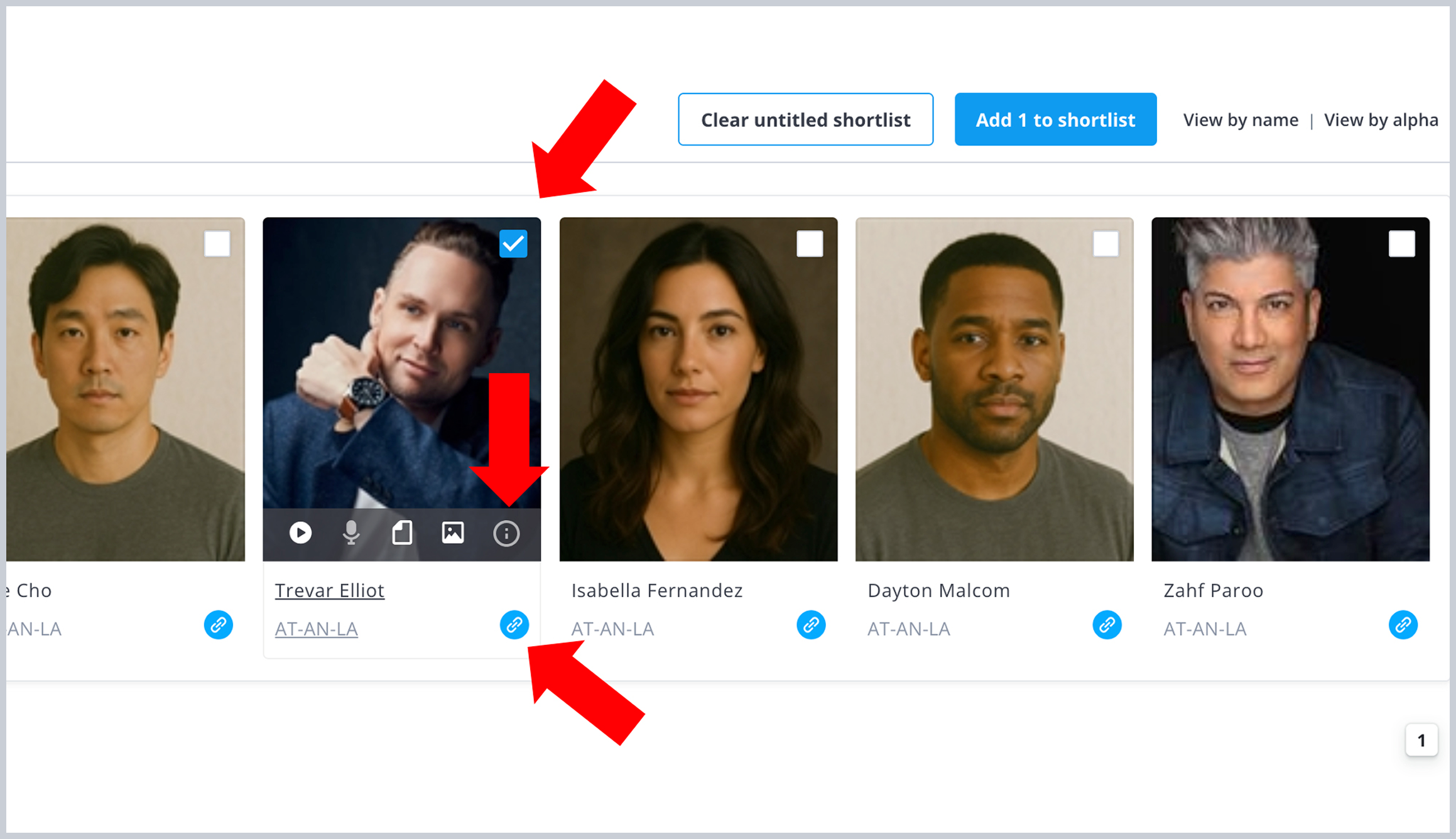
On your new updated Roster page, the shortlist checkboxes only appear when you click the “Create a New Shortlist” Button. Once the checkboxes appear, select one or more talent and a new blue button will appear with the number of actors on your list. Click it once and it will take you to your Shortlist page. The 3 dot elipses lets you Save, Merge and Delete.
 March 17, 2026
Agents
Added Media
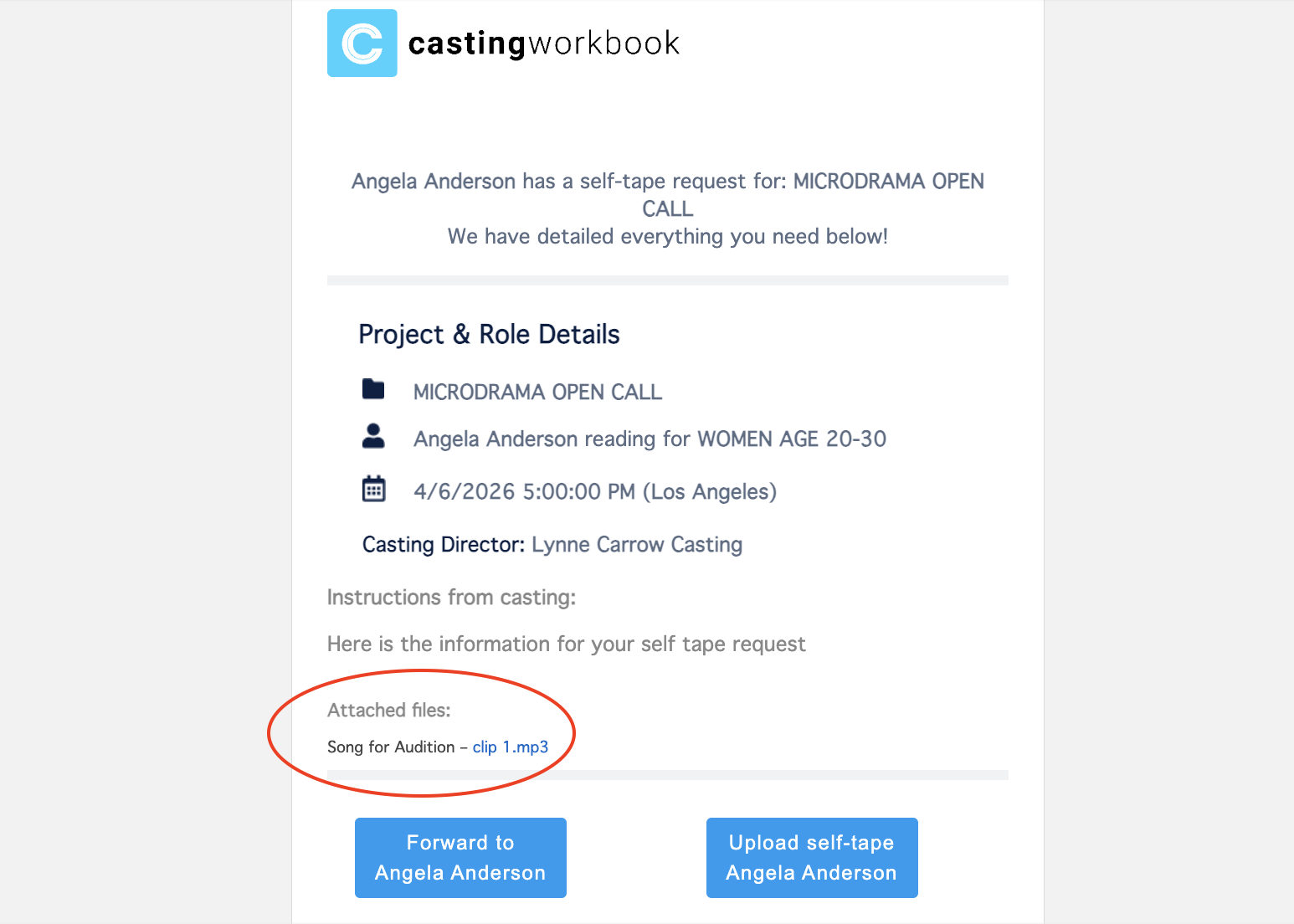
Agents can now view and forward media and documents attached to Breakdowns and Self-Tapes.